Rastrum
Open a MusicXML file. Rastrum lays out every page and hands back the full score, the parts and the vocal score, ready to print.

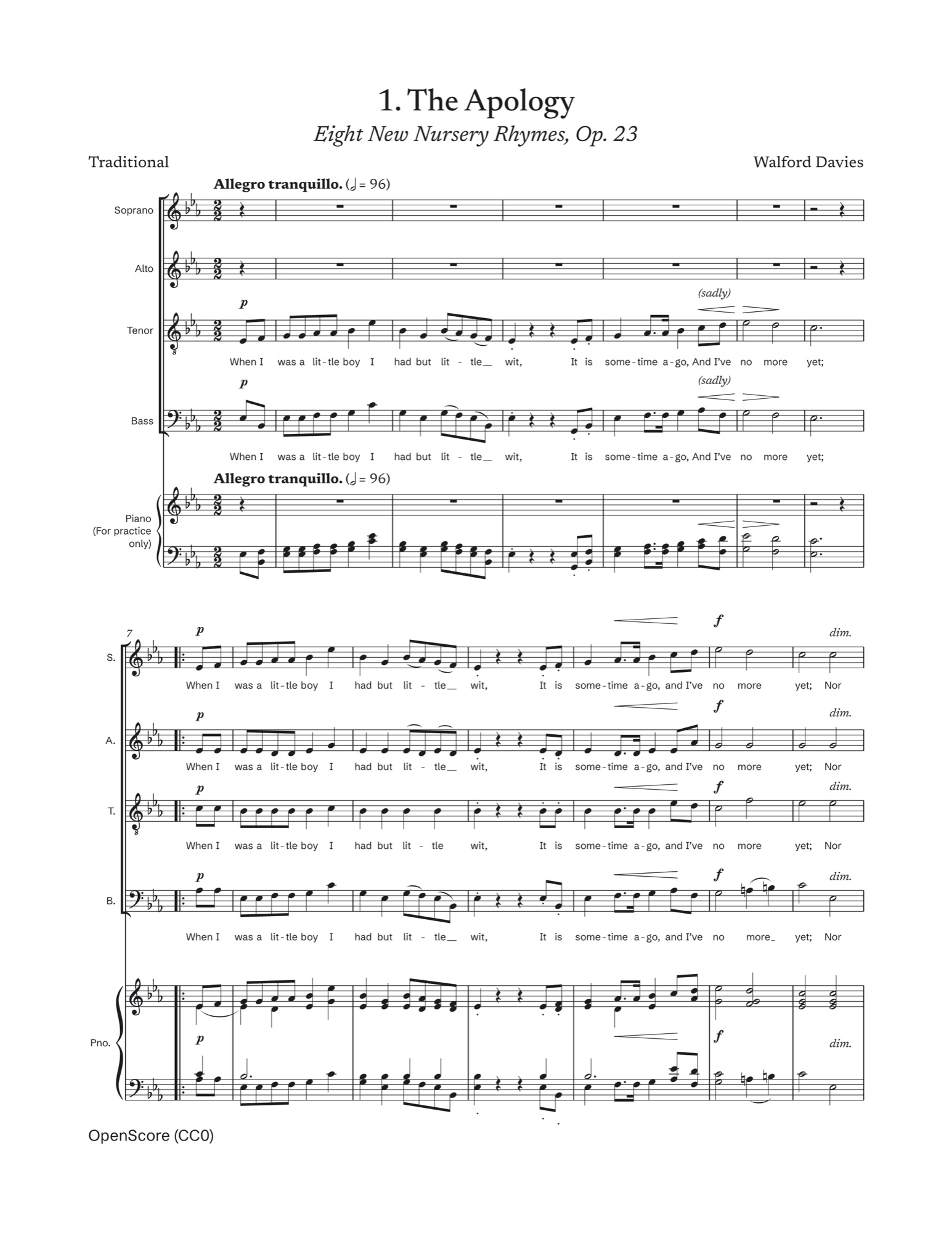
Open a MusicXML file. Rastrum lays out every page and hands back the full score, the parts and the vocal score, ready to print.
MusicXML, which most notation apps can save. Nothing to set up first.
The full score, a part for each player, a vocal score. Click the instruments to include.
Rastrum chooses the paper and staff size to suit the piece. Every page comes out ready.
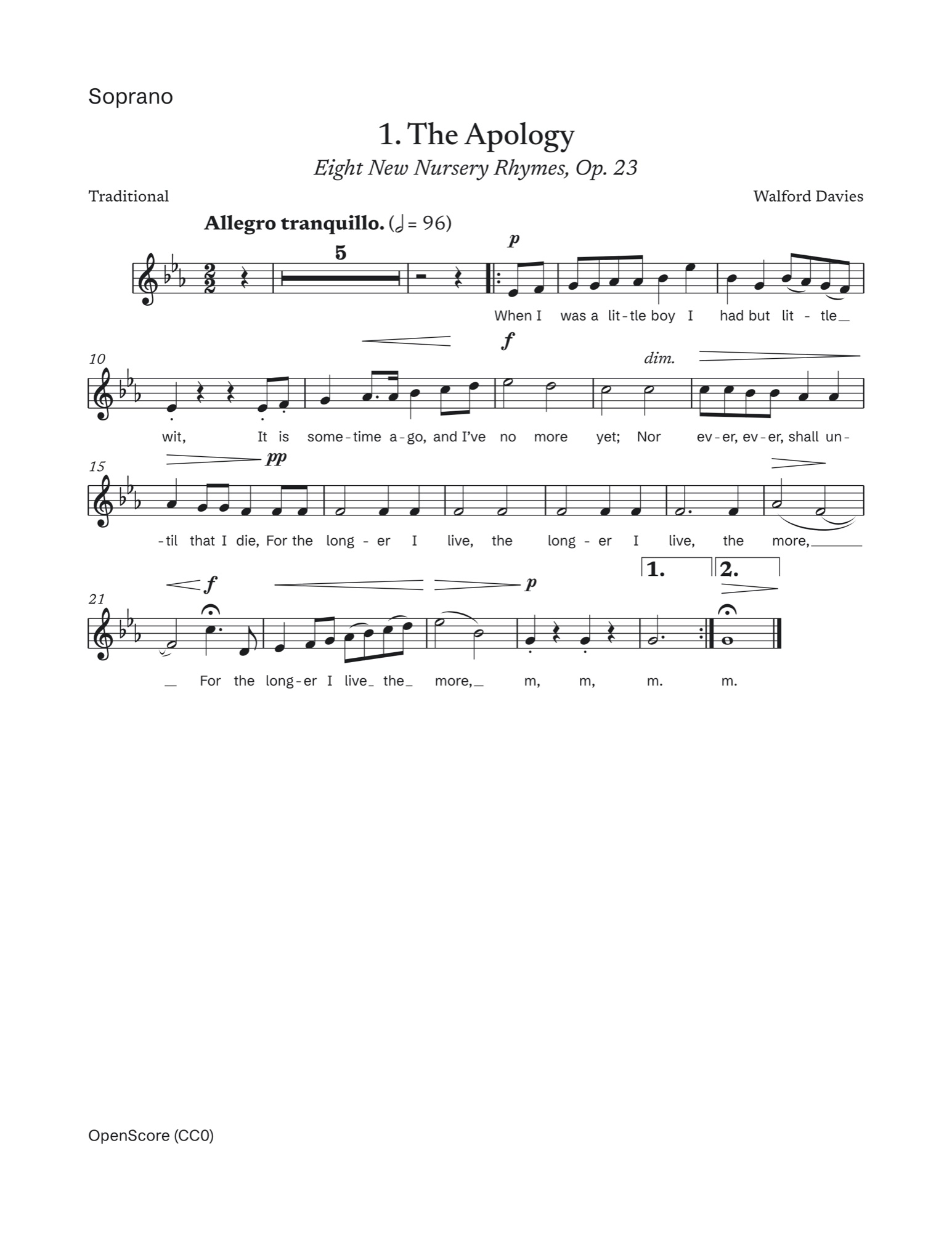
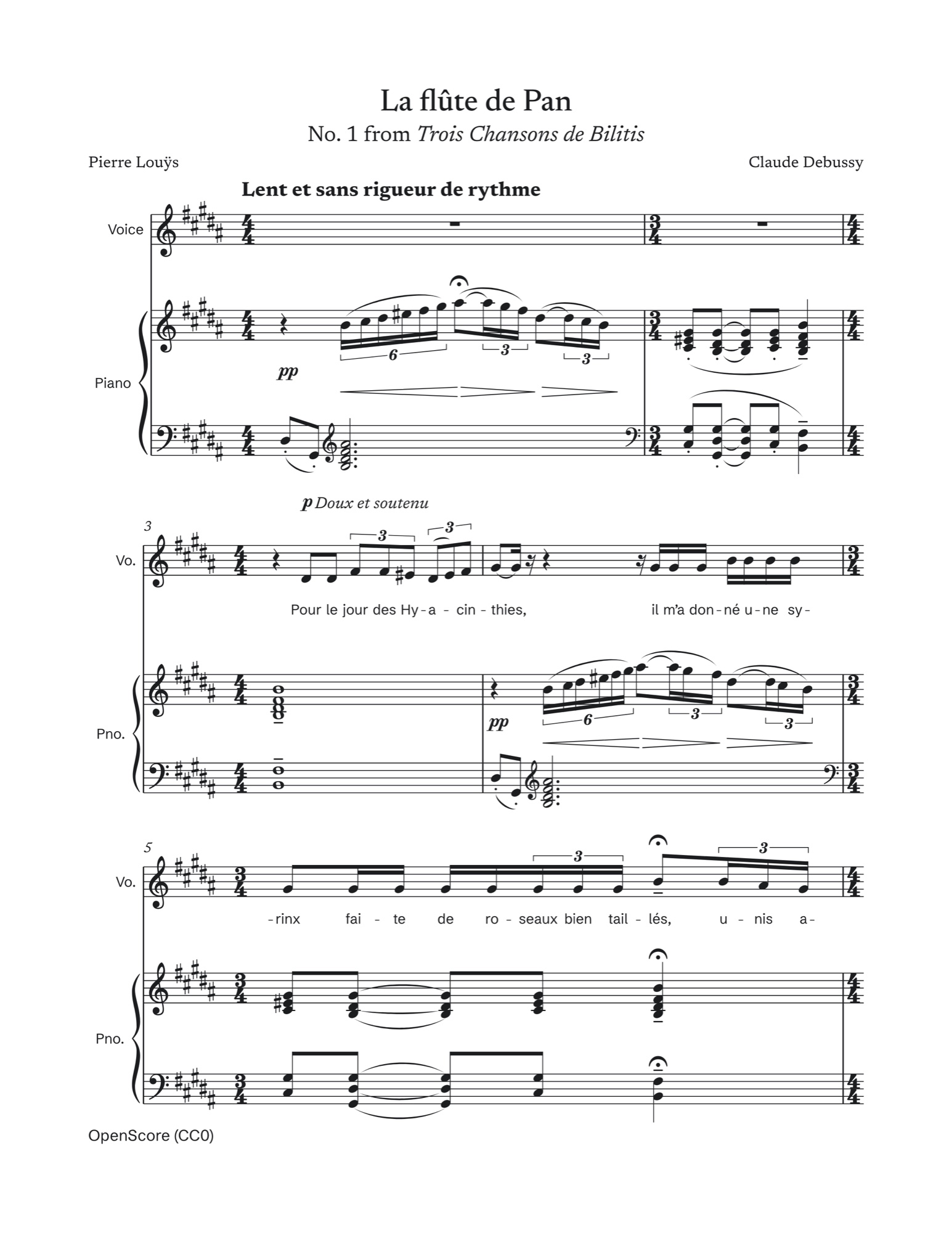
Both from OpenScore, public domain (CC0).
For anyone who would rather spend their time on the music than on making it look right.